A closer look at how ran works.
Every mechanism that makes one workspace trustworthy — context, verification, reversibility, and the library underneath it all.
Architecture
The operating layer, end to end.
Your tools flow into one workspace. ran reads them and answers within the roles you set, then remembers and acts — for the right person, every time.
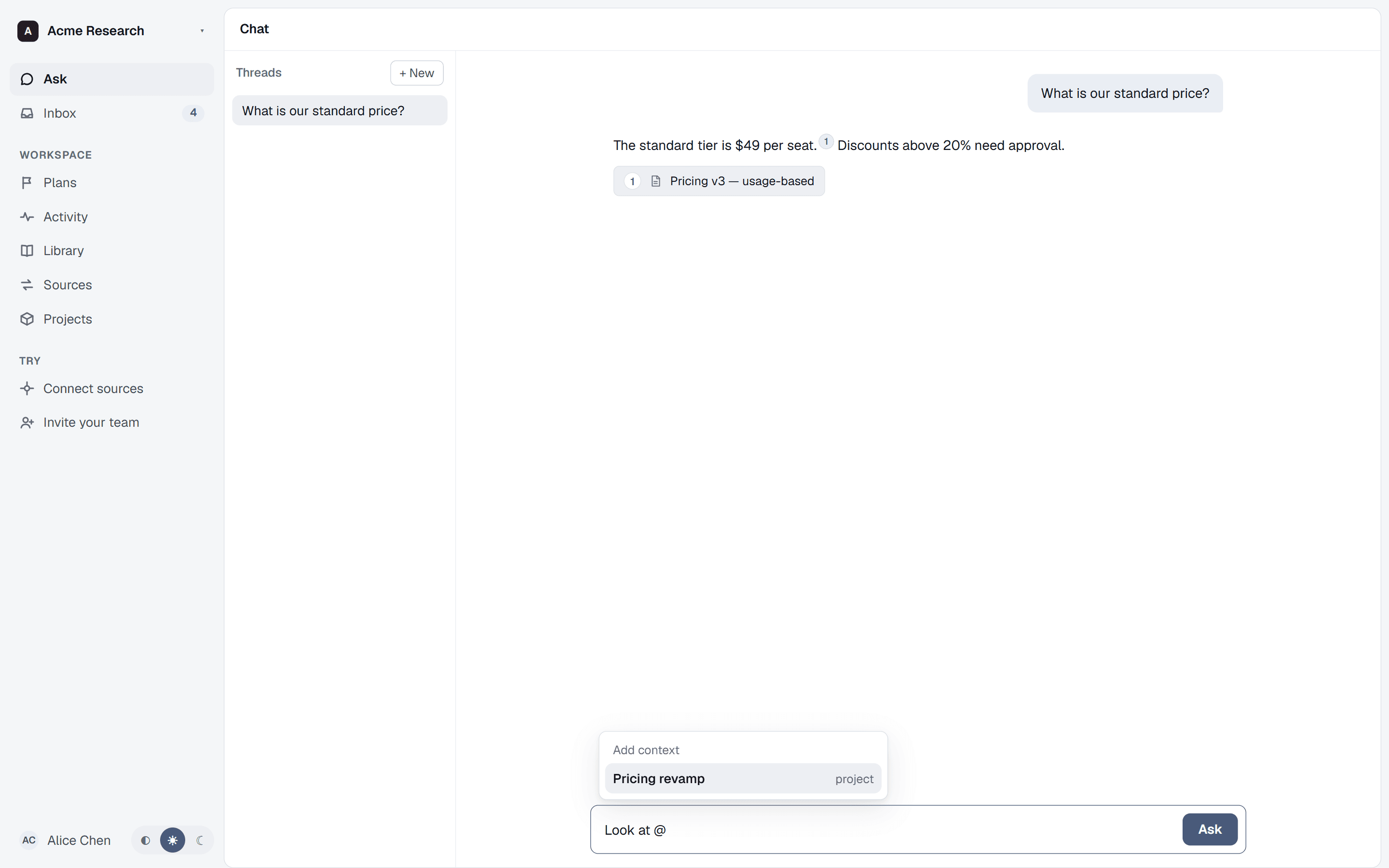
1.1 Ask
Point a question at exactly the right context.
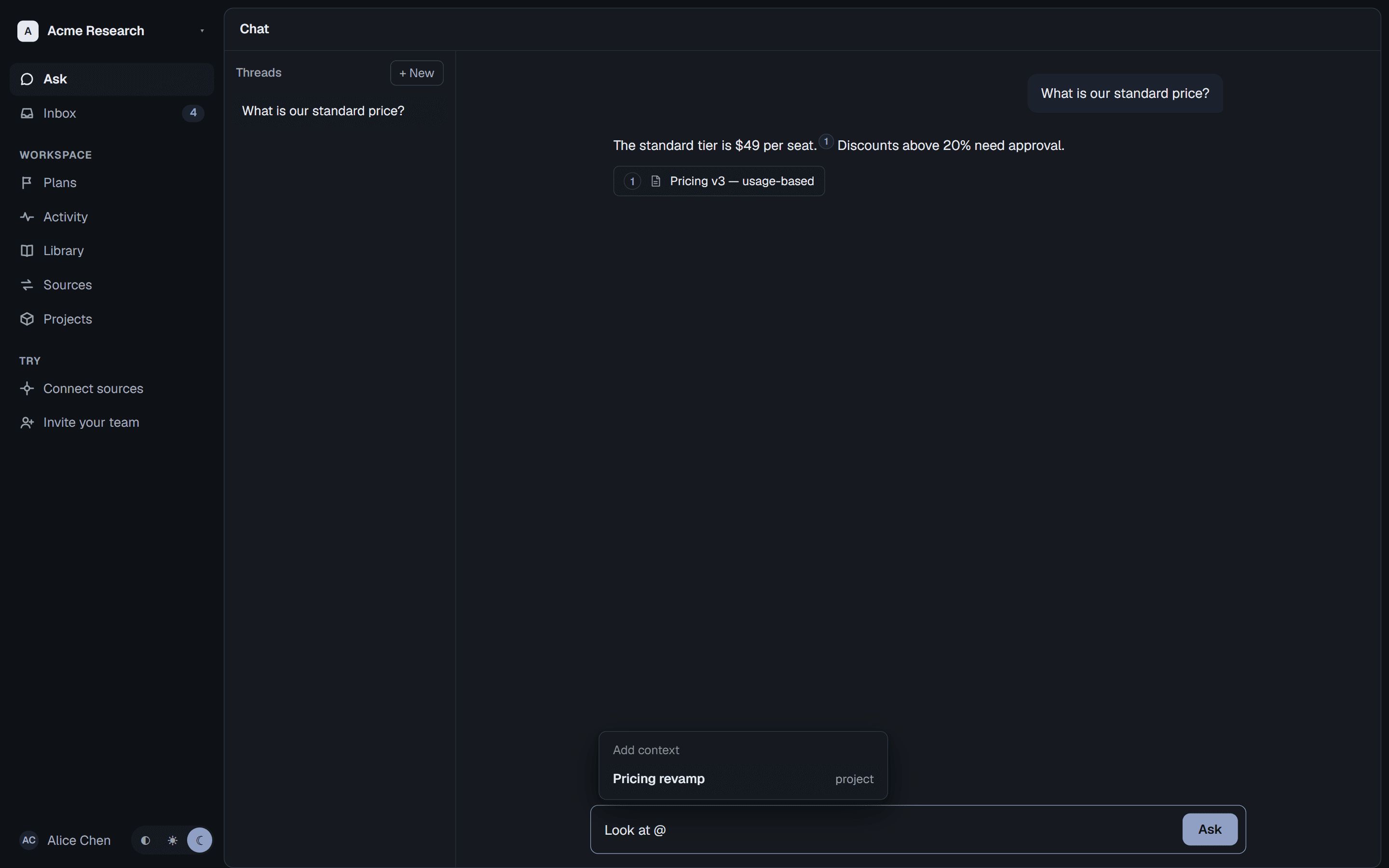
Type @ in the composer to pin a question to a project, a document, or a person — the answer draws on what you scoped, nothing else.
2.1 Verify
When sources disagree, you hear about it.
Two documents give two different numbers? ran surfaces both and says so, instead of picking one with false confidence.
3.1 Approve
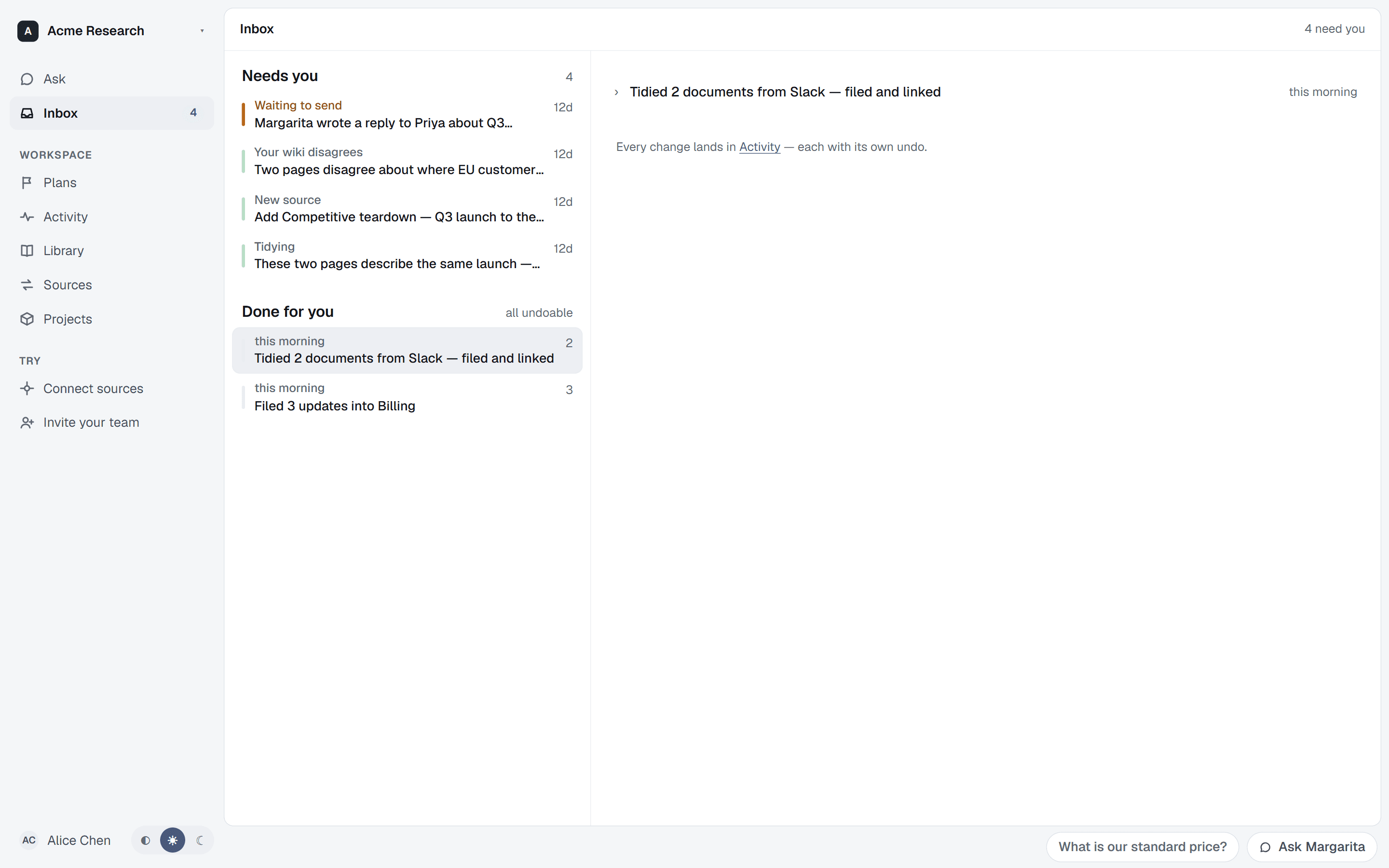
Everything it did, you can undo.
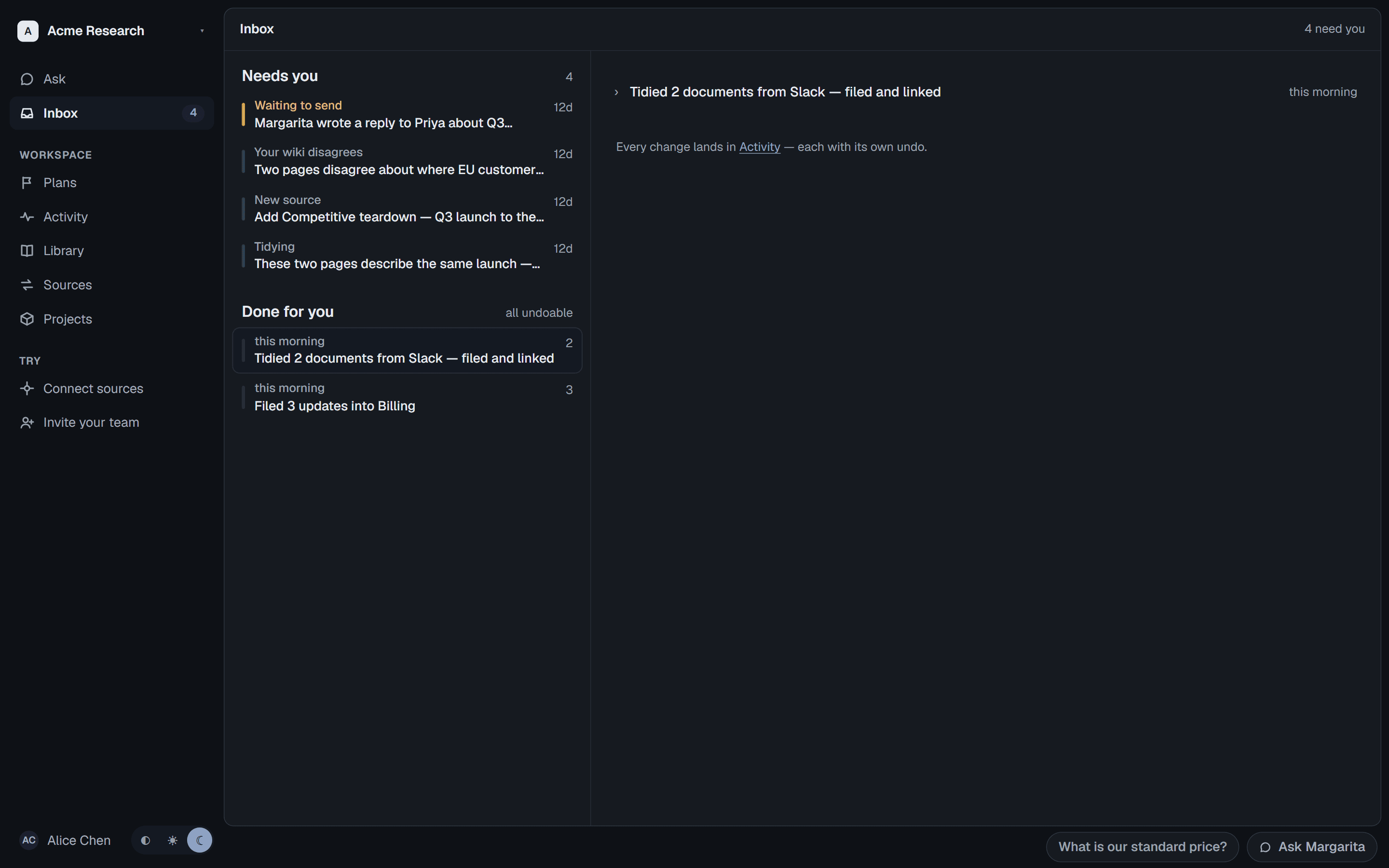
The inbox's other half is the receipt: every change ran makes on its own lands as a Done-for-you entry with its own one-click undo.
4.1 Connect
Built for the whole company.
Every project gets its own slice of the workspace — sources, permissions and memory scoped to the team that owns it.
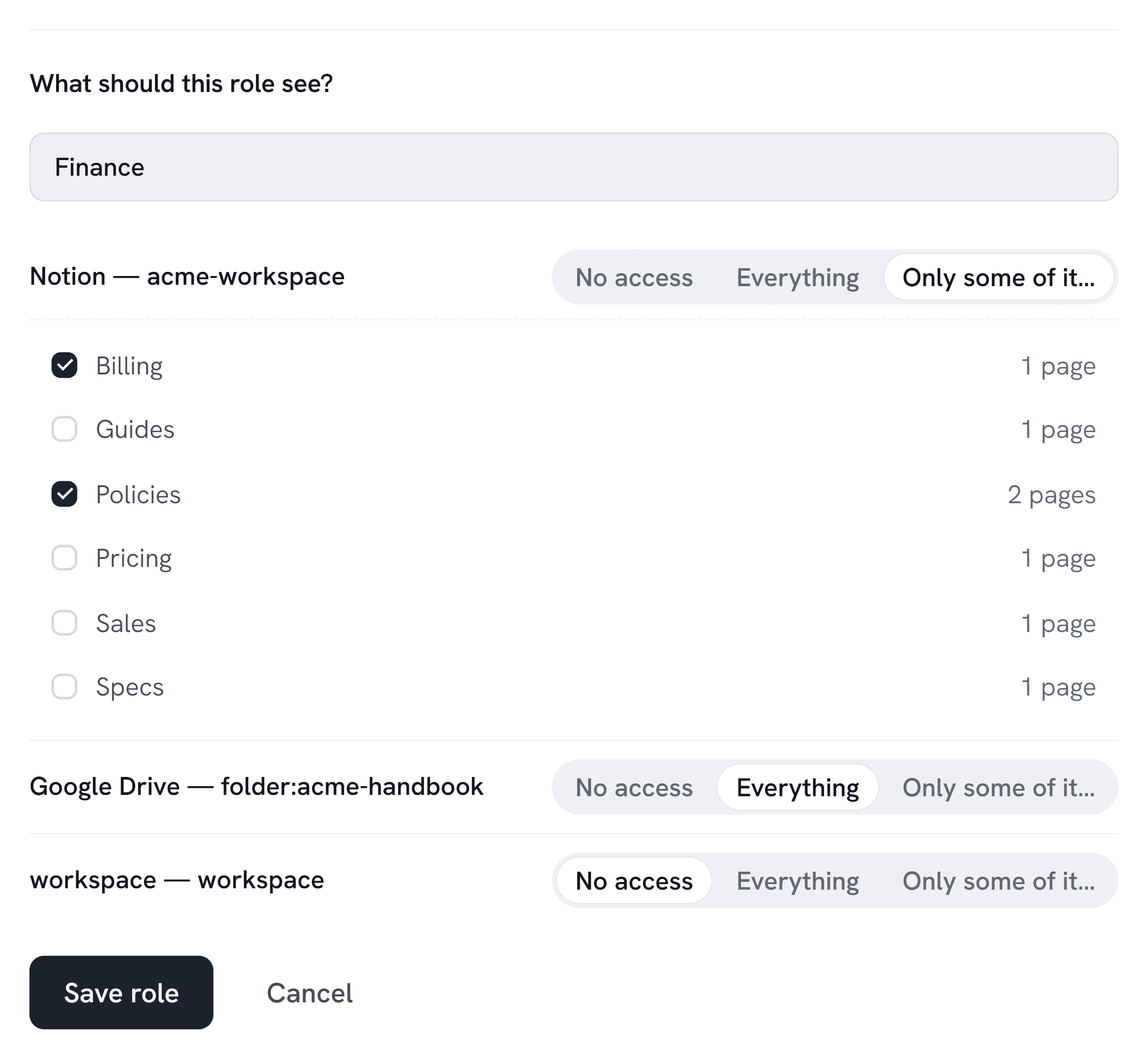
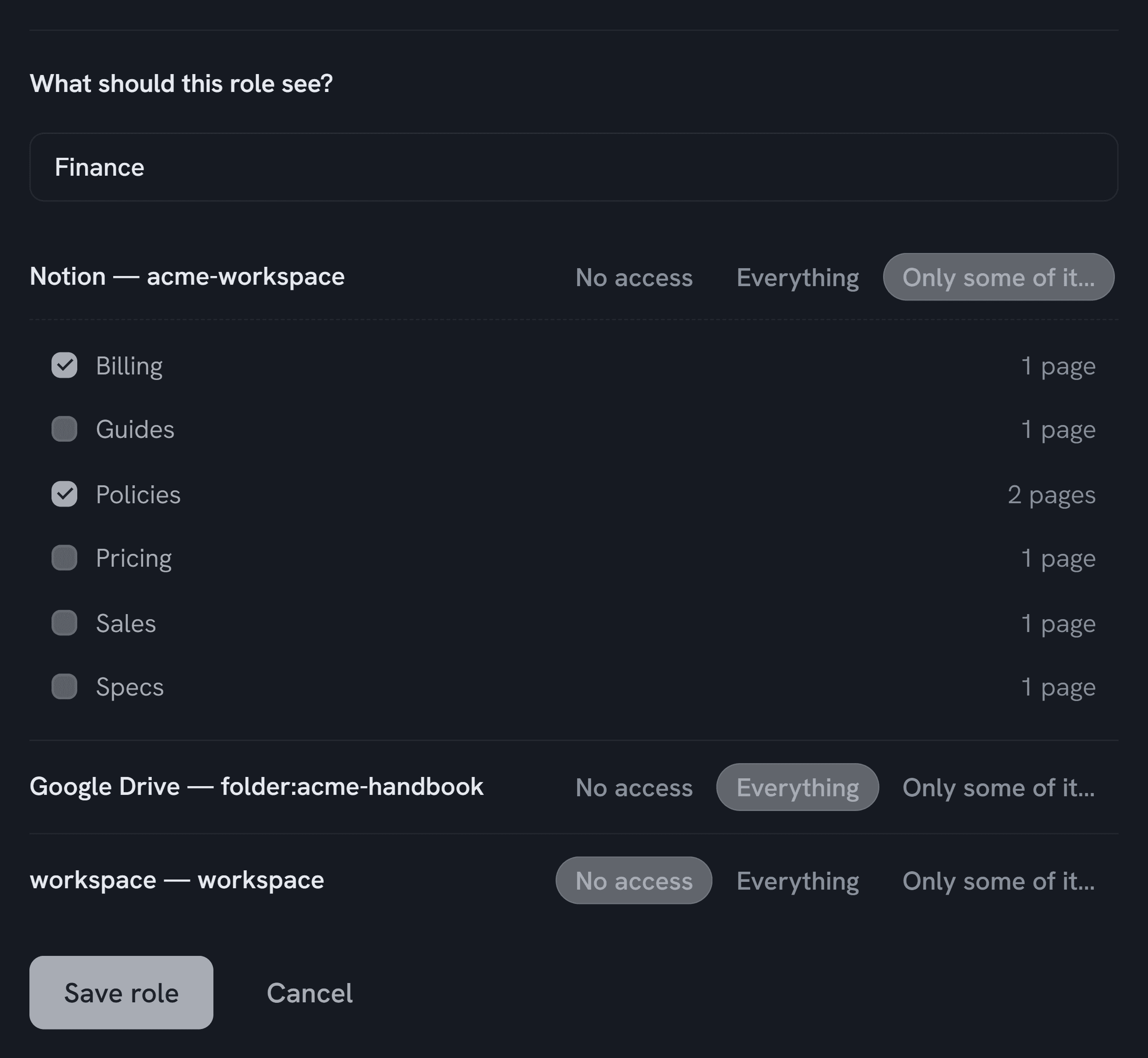
4.2 Permissions
Every role sees only its sources.
Assign a role and each source is allowed or blocked for it — enforced in the database, not just the prompt, so nothing surfaces to someone who shouldn't see it.
5.0 Organize
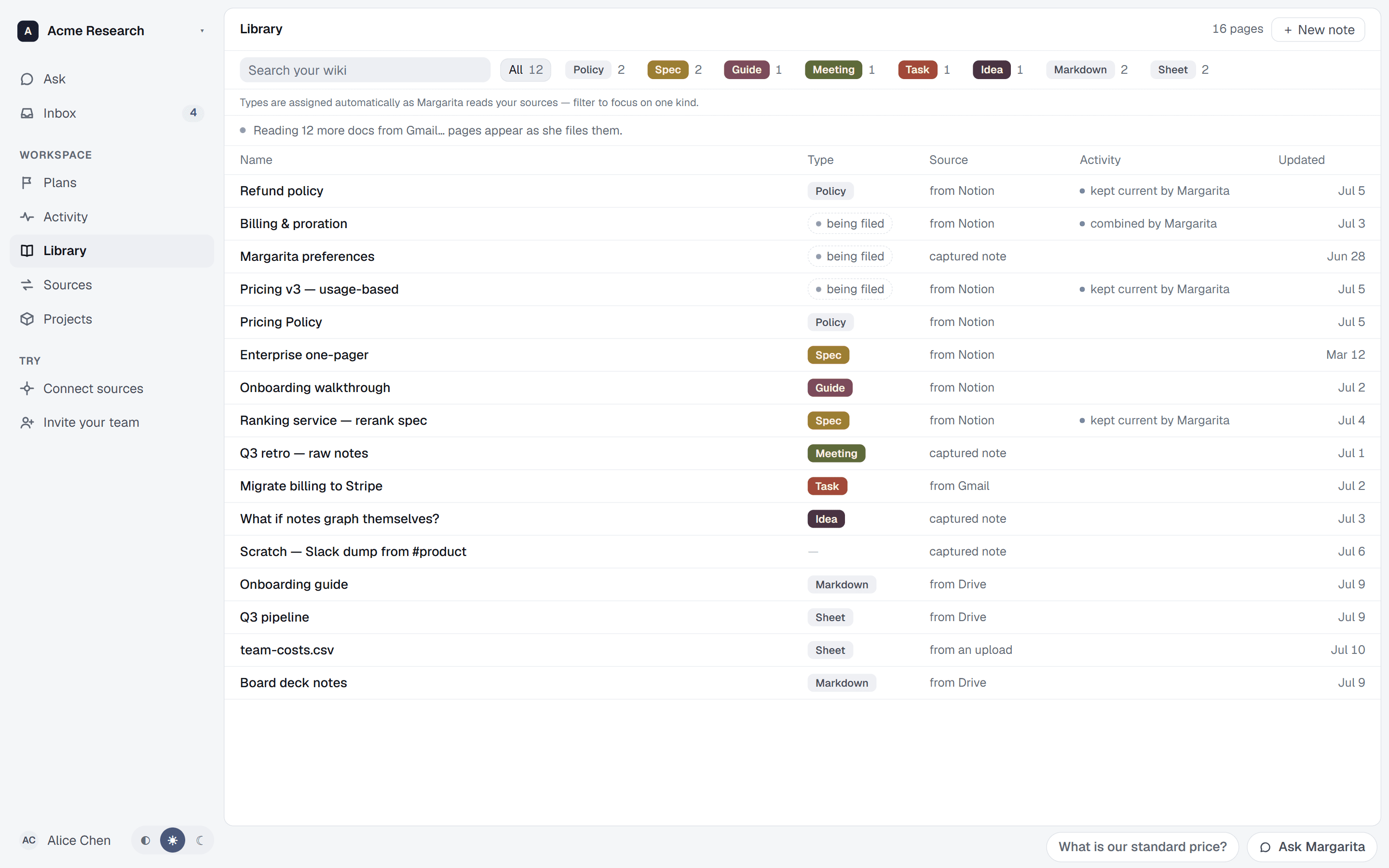
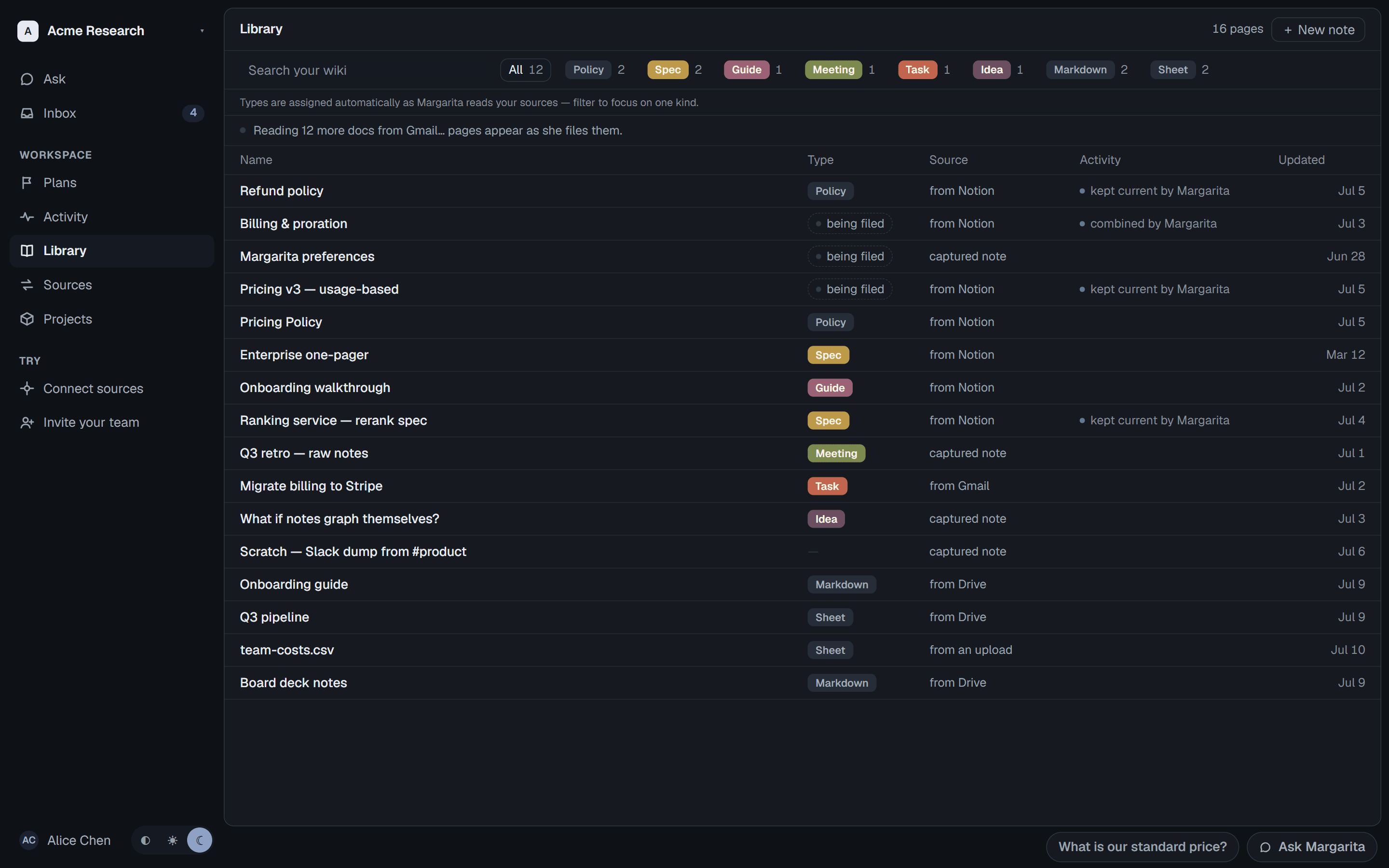
Your knowledge, classified and filed.
Every page is typed as it arrives — policy, spec, guide, meeting — filed into one library, and kept current as the sources beneath it change.
6.0 Plan
Bigger work runs as a plan.
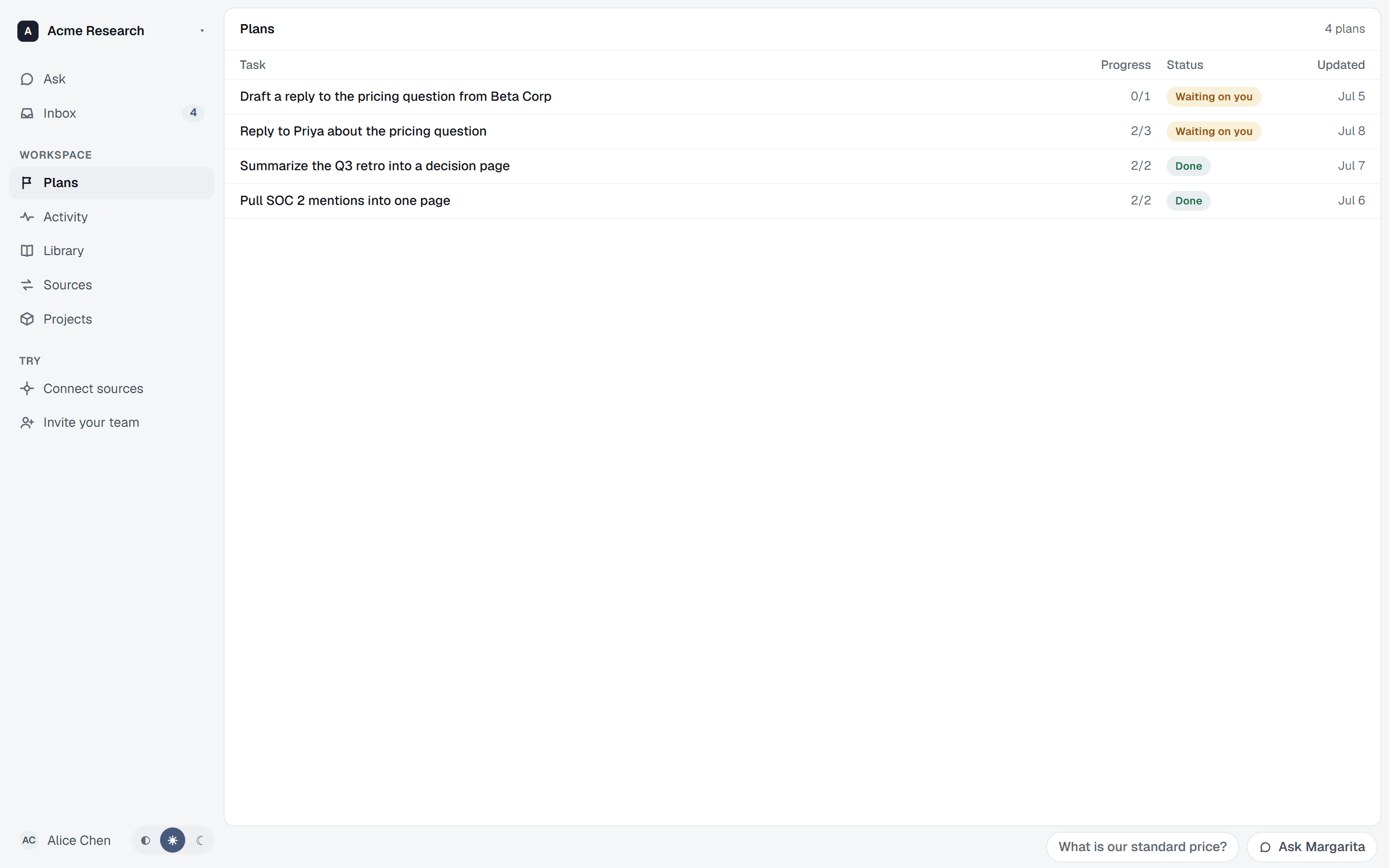
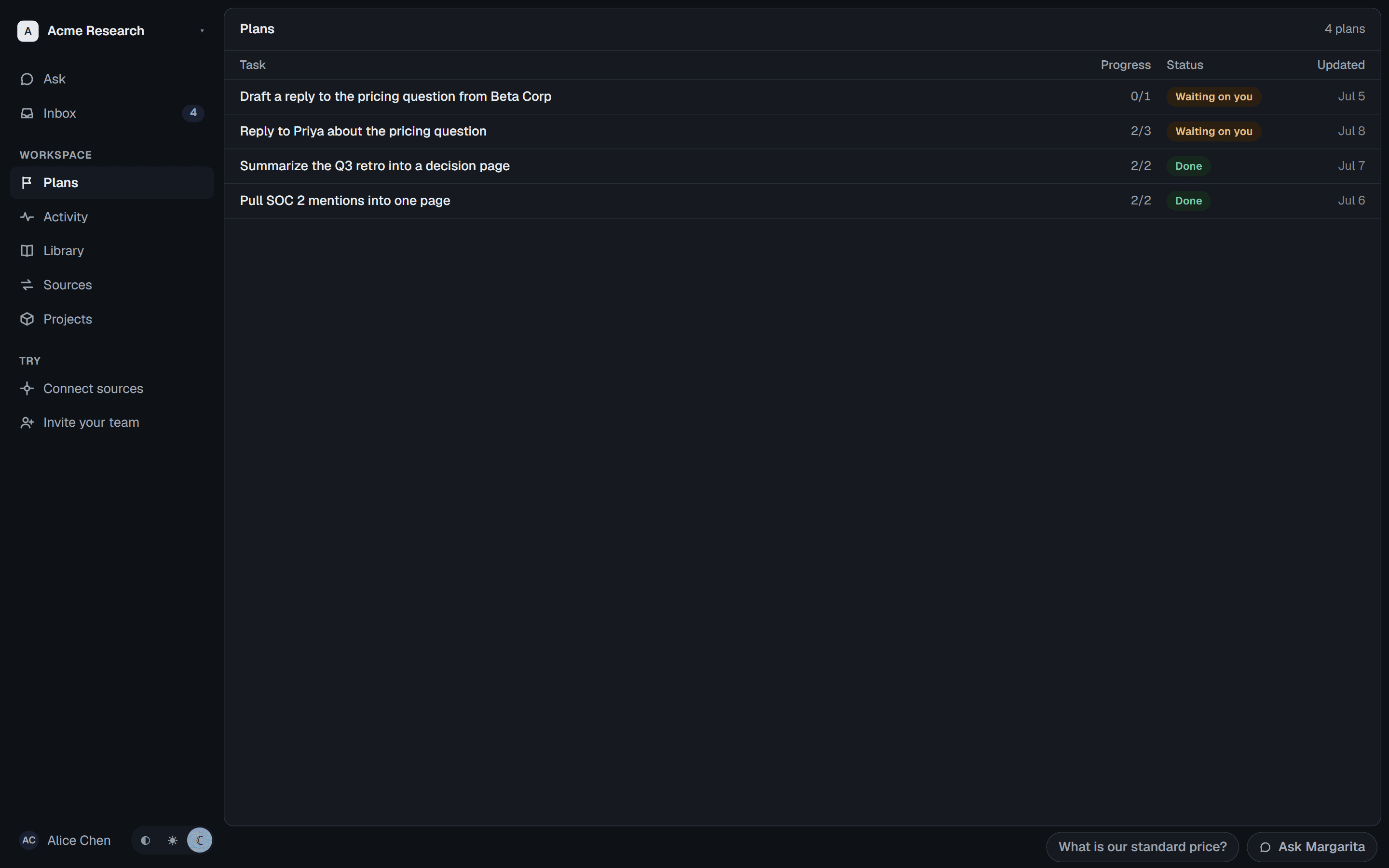
Multi-step tasks show their progress step by step — running on their own, and holding as “waiting on you” the moment a step needs your decision.
Memory
Memory that compounds.
ran remembers company knowledge, previous work, and decisions — so agents build on prior context instead of starting from zero.
Security
Enterprise-ready by default.
Roll ran out across your organization without standing up another identity or permission system.
- Role-based access
- Every answer is scoped to the asker's role, enforced in the database.
- Encrypted throughout
- In transit and at rest, with keys you control.
- Human approvals
- Every external action waits for a person's yes.
- Workspace isolation
- Your data stays yours — never used to train models.
- Full audit logs
- Every answer and action is recorded and reviewable.
- Purged on disconnect
- Disconnect a source and its data is permanently deleted, with a receipt.
See ran on your company's knowledge.
We're onboarding our first design partners now — bring your stack and watch it become a system.